Geofencing Setup
To create an office/work location so employee can Check -In/Out using the mobile APP,
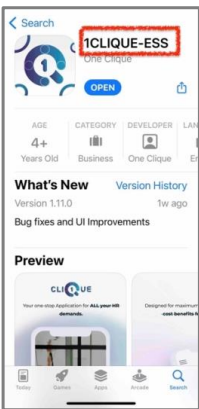
“1CLIQUE-ESS’ has to be downloaded from the mobile stores.
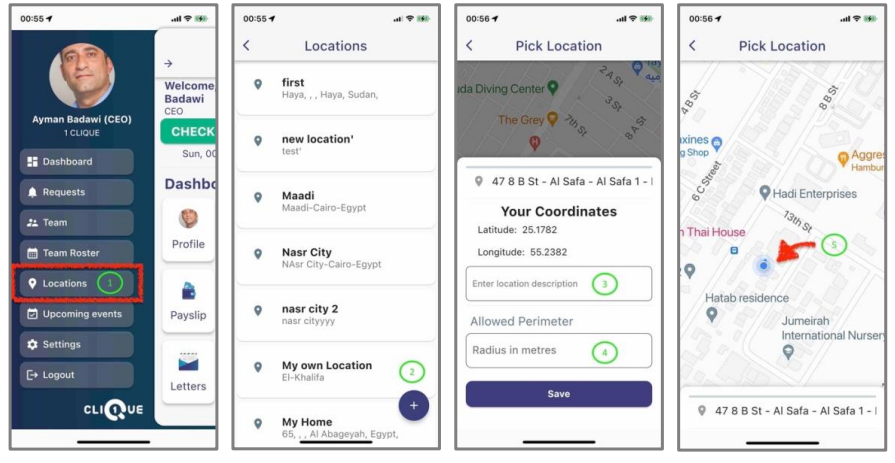
1 – Login to the app using your 1CLIQUE username & password. Then Click the side menu and click on “Locations".
2 – View All Location. Click on “+” sign to create a new location.
3 – Add the name of the location.
4 – Set Perimeter as how close to the location the employee must be so the Check-In & Check-Out buttons are enabled. (Minimum of 100m is recommended). Then Save.
• Ensure that the location is pined accurately on the provided map.